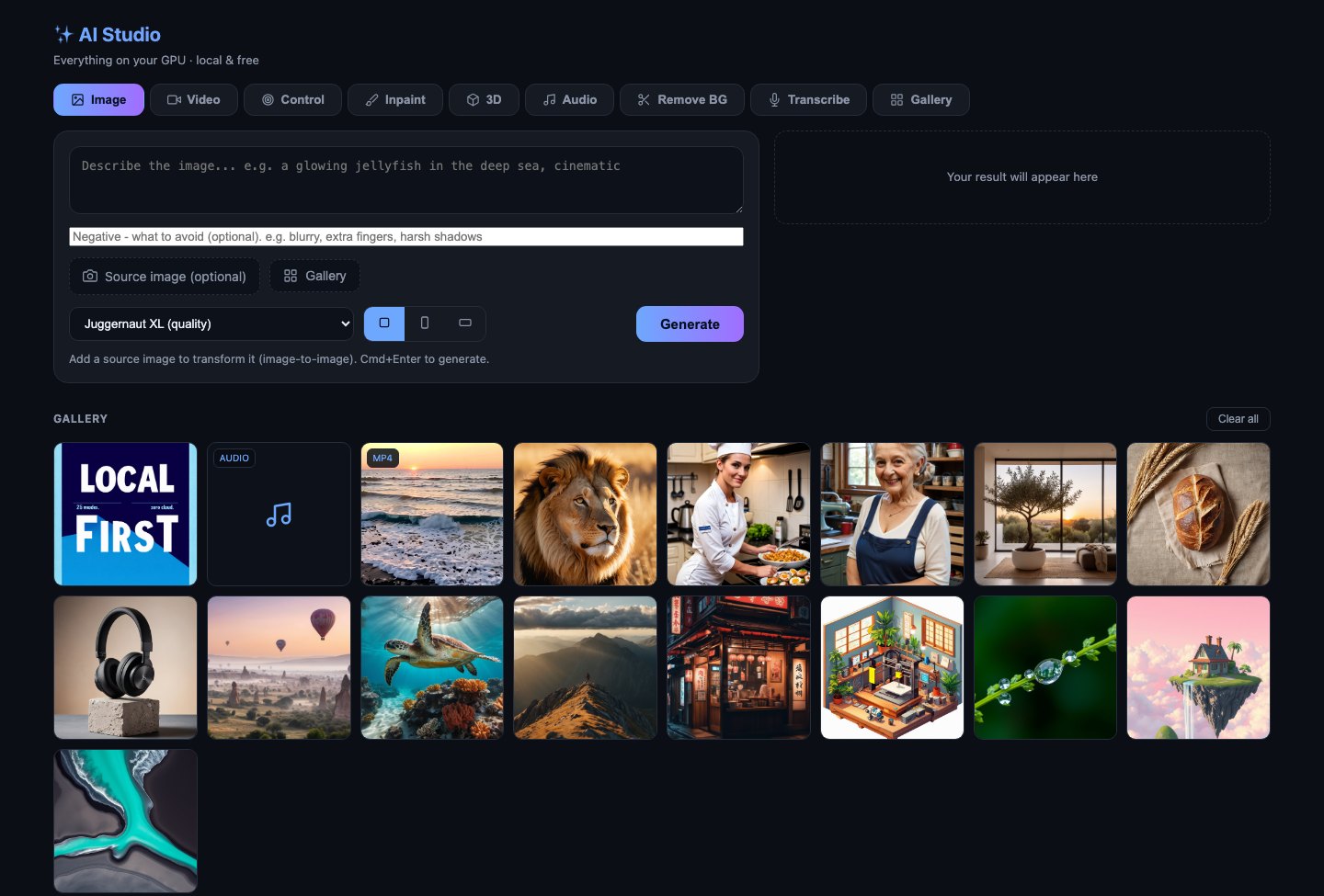
The studio. A single-file web app served from my Mac, driving the GPU box over an SSH tunnel — reachable from my phone on the couch.
That was the experiment.
The starting point wasn't a workstation budget. It was a MacBook with 6GB of free disk, cloud-API bills I didn't want, and a Facebook Marketplace listing: an i7-9700K with an RTX 2070 Super — 8GB of VRAM, five years old, about $500 after haggling.
Modern AI models "require" 16–24GB of VRAM. The interesting engineering question was how much of that requirement is real — and how much yields to quantization, chunking, model-swapping and careful workflow design.
Answer: almost all of it yields. Flux runs in 4-bit GGUF. A 12-billion-parameter instruction editor runs offloaded. Video renders in 24-frame chunks. Faces get detailed at native resolution, then upscaled — order matters more than memory.
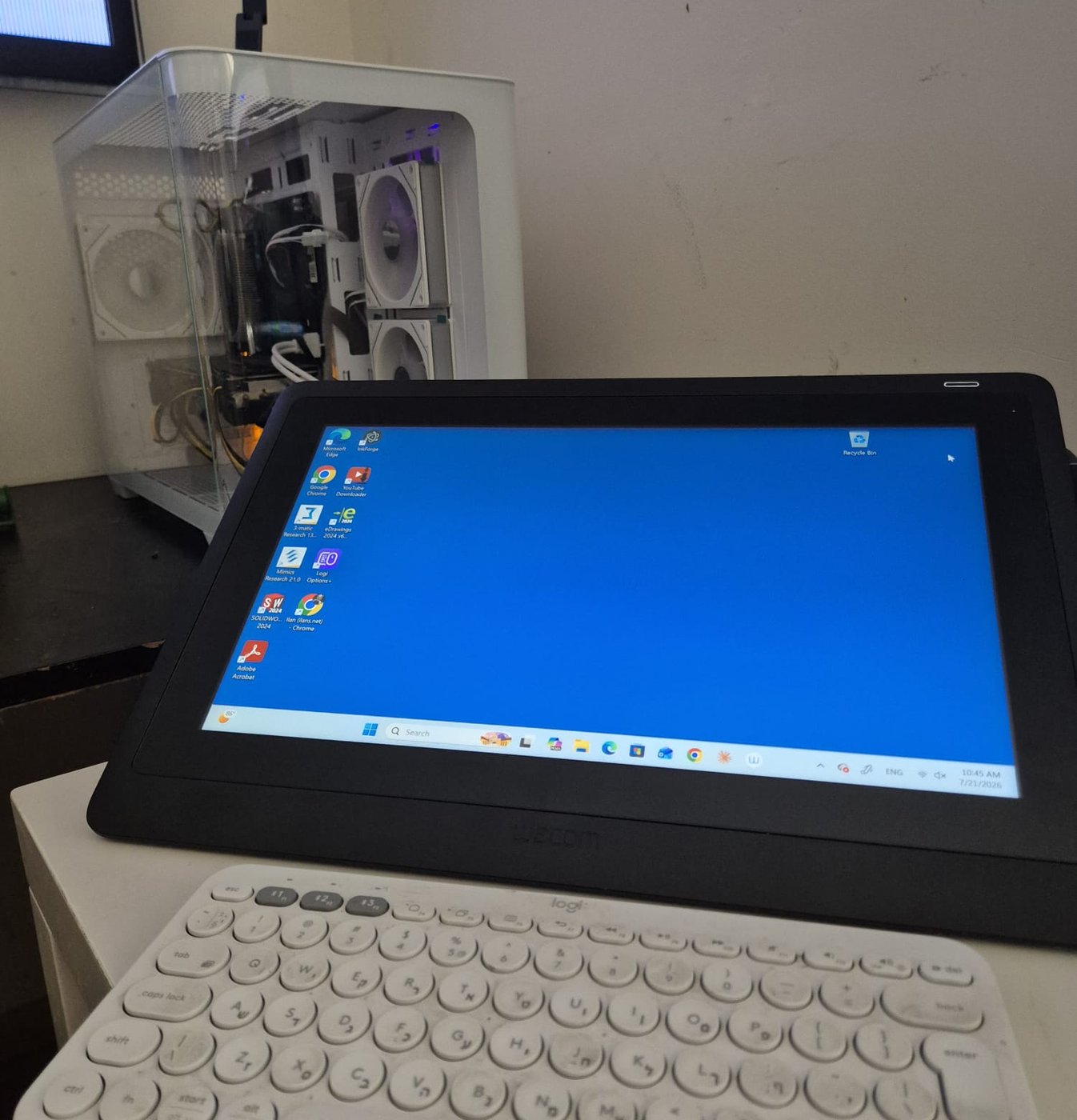
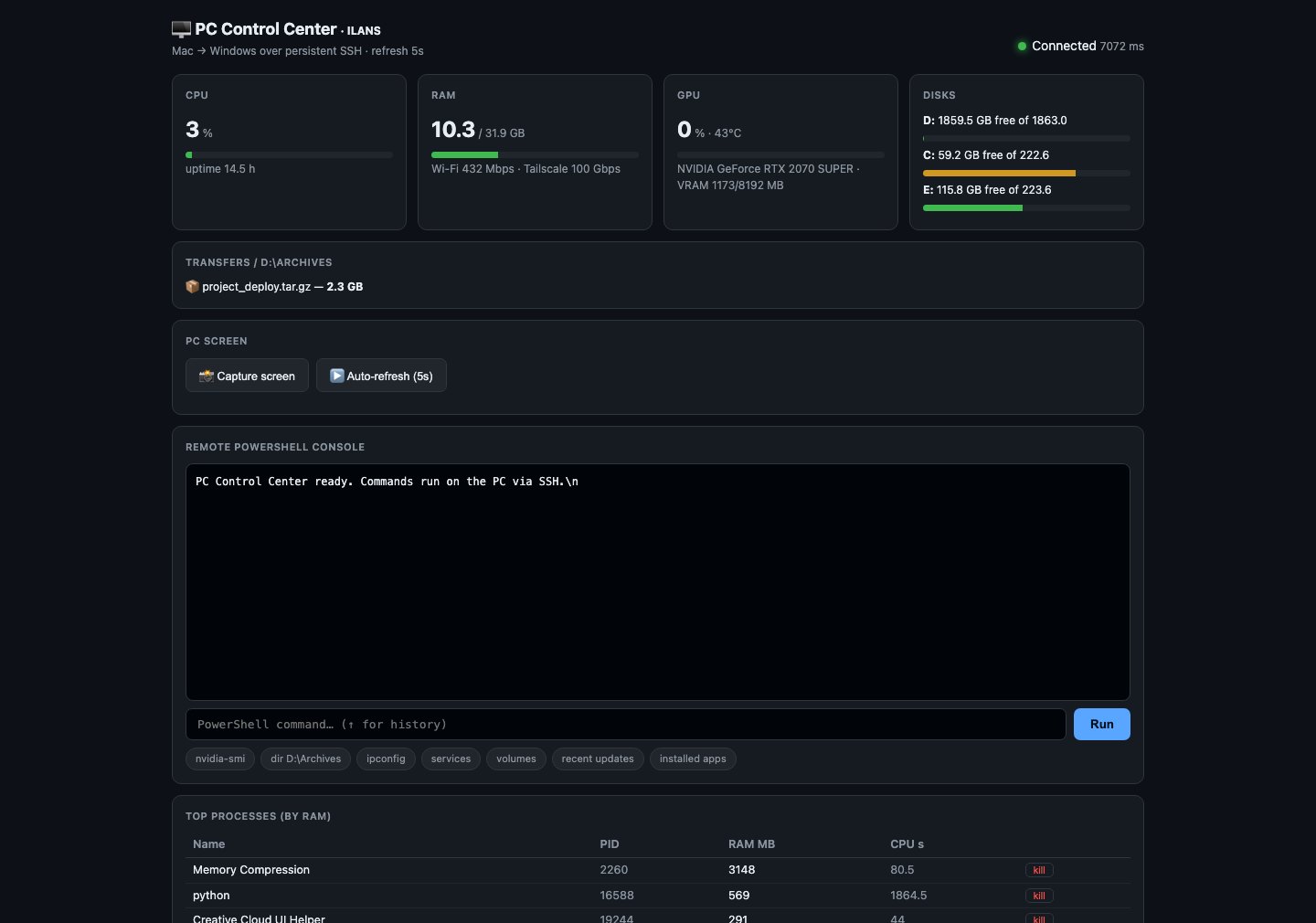
The PC lives headless — no monitor, no keyboard, no login. Windows boots straight into a GPU service session; a watchdog restarts anything that crashes; the whole machine survives power cuts untouched.
My Mac serves the studio web app and holds an auto-healing SSH tunnel to the PC's ComfyUI backend. Tailscale mesh networking makes the same app work from my phone, anywhere.
Heavy lifting happens where the CUDA cores are. Everything else — orchestration, UI, ffmpeg assembly, file management — happens on whatever device I'm holding.
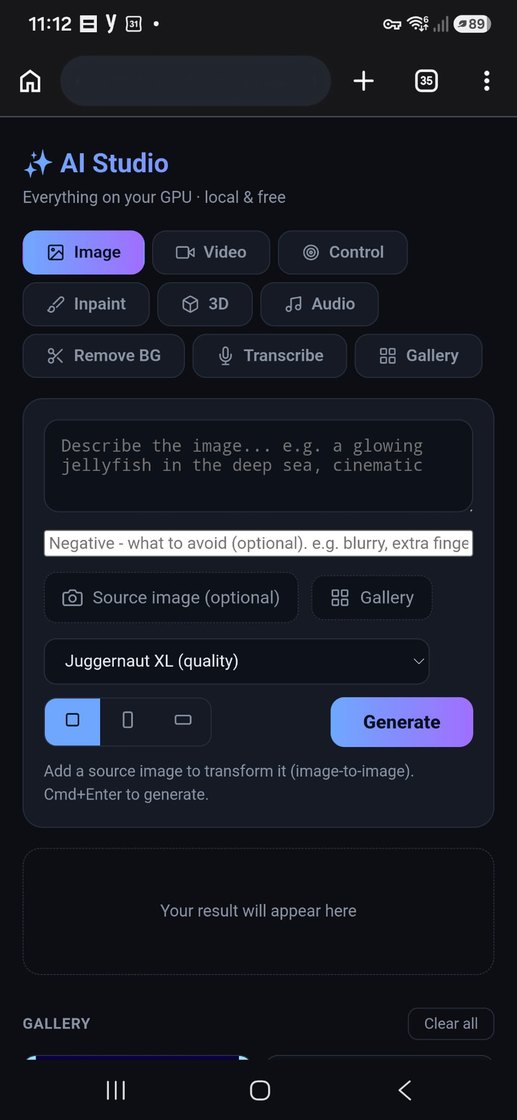
Because the network is a Tailscale mesh, the exact same web app opens on my phone from anywhere — no port-forwarding, no exposed ports, no cloud middleman. I can kick off a render on the sofa and it runs on the GPU box across the room, or across the city.
One codebase. Desktop, tablet, phone. The interface just reflows.
Every tool feeds every other: any result can become the input of the next step — generate → edit → relight → animate → smooth → strip background — without ever leaving the app.
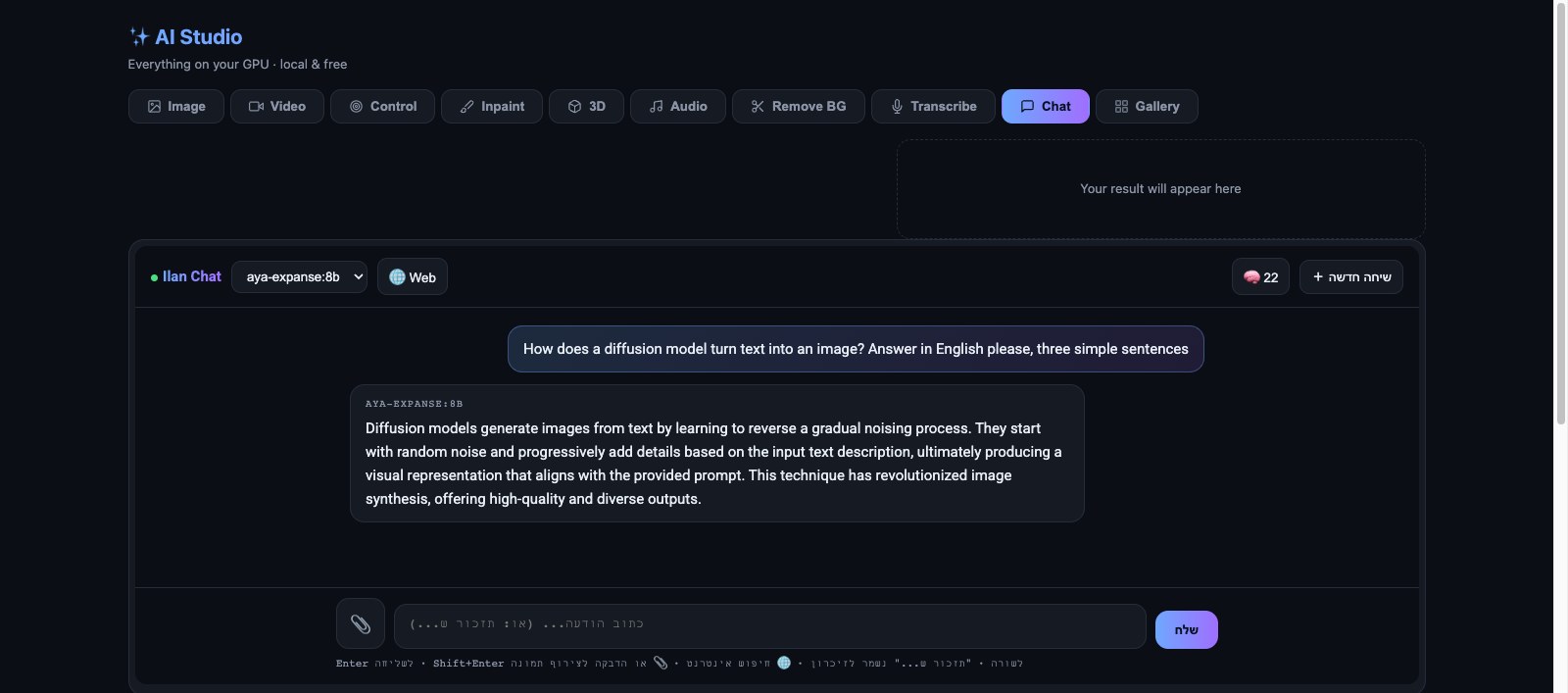
The studio already made images, video and audio - but talking to a language model still meant a cloud subscription and someone else's servers. The gap begged to be closed: the same 8GB card that renders a Flux frame can also serve a language model.
So a tenth tool was added: a chat that runs entirely on the box, with four open models via Ollama - Aya Expanse for Hebrew, Gemma 3 for vision (attach or paste an image), Qwen for code.
A small server written from scratch makes a 5GB model act bigger than it is: it injects a personal memory file into every conversation, fetches any URL mentioned in a message and hands the model the live content, and runs web search on demand. A "remember that..." message is saved to a file - never trusted to the model's memory.
The implementation - one more Python file and one more HTML file, exactly like everything else.
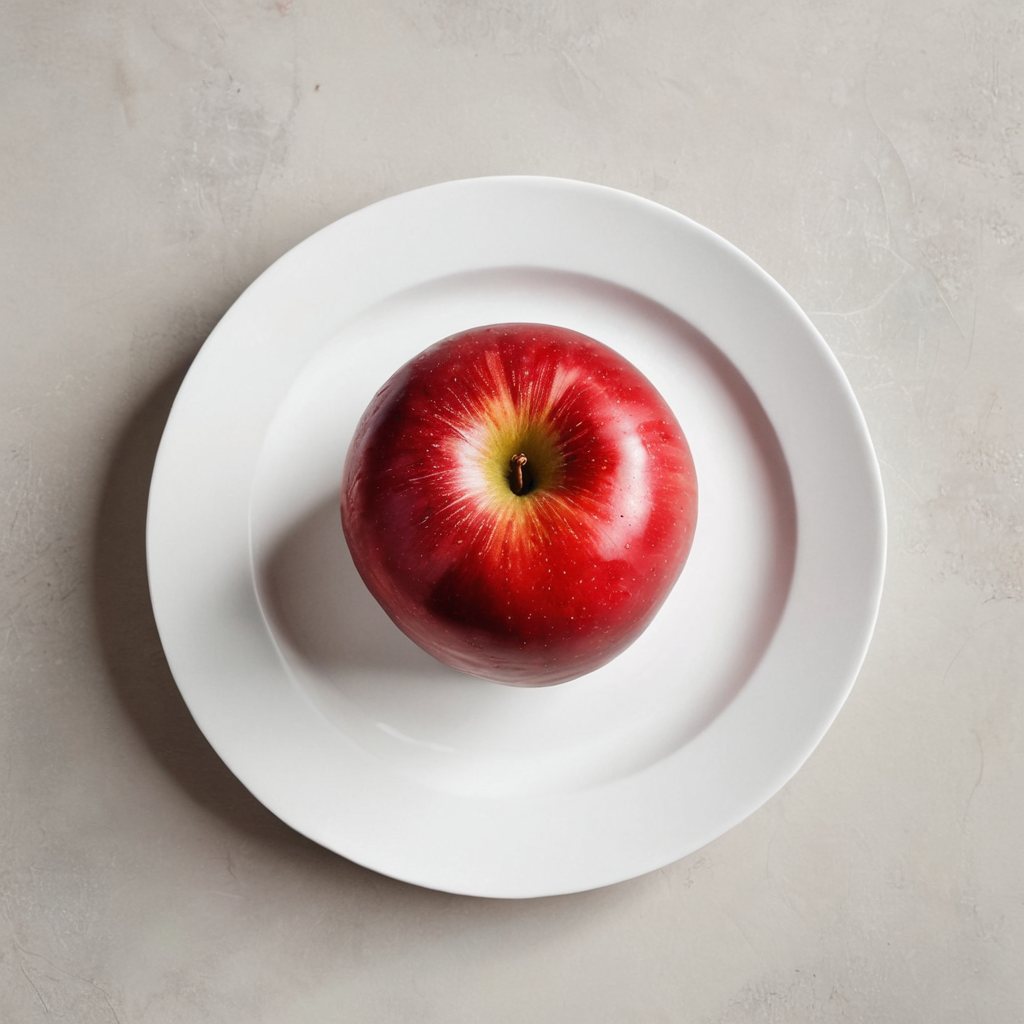
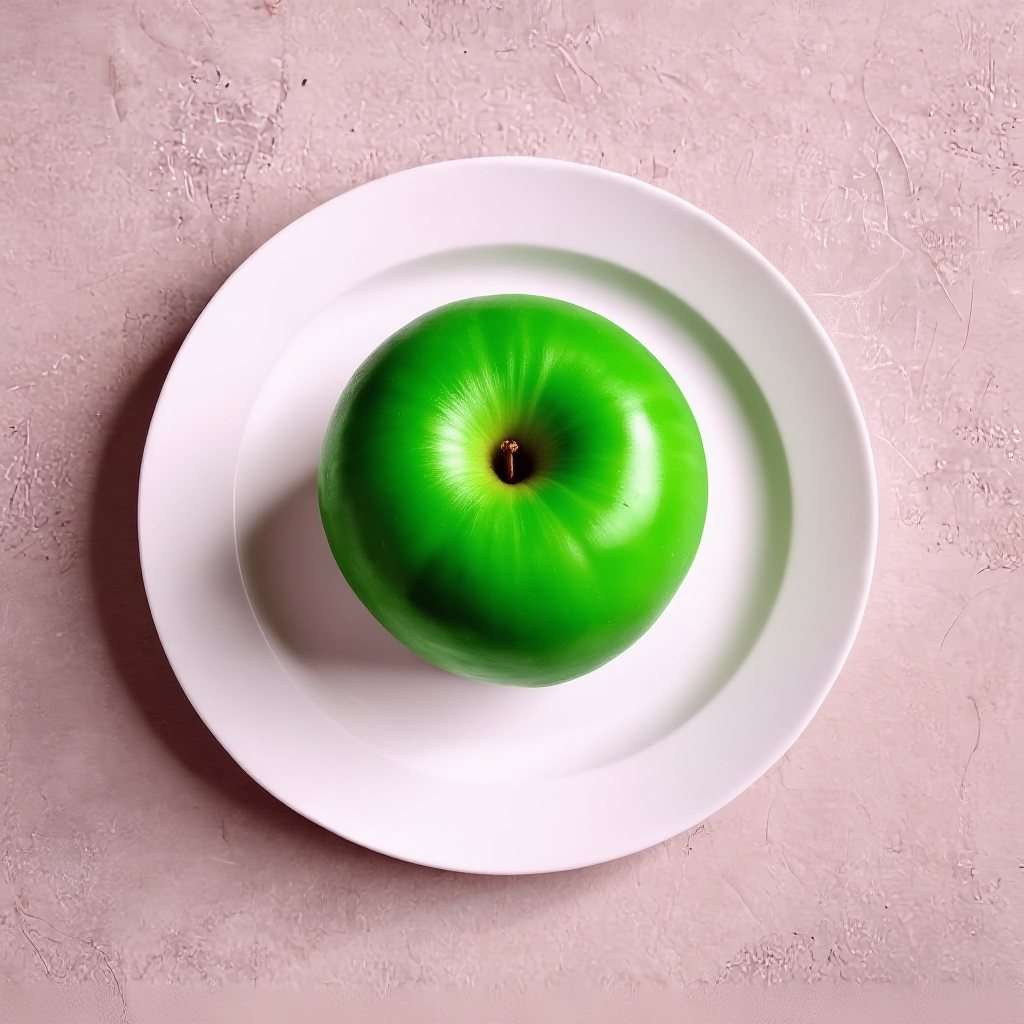
A 12B-parameter editor running quantized on 8GB. One sentence in, surgical edit out — plate, shadows and framing untouched.


Physically-plausible relighting from a text description — the product-shot pipeline: cut out, relight, done.


I wrote the entire playbook — hardware shopping list, install steps, every model, the full code, and every gotcha I hit (with its fix). Upload the file to Claude and it'll guide you through the whole build, step by step. No API keys, no subscriptions.
Download the full guide (.md) ↓